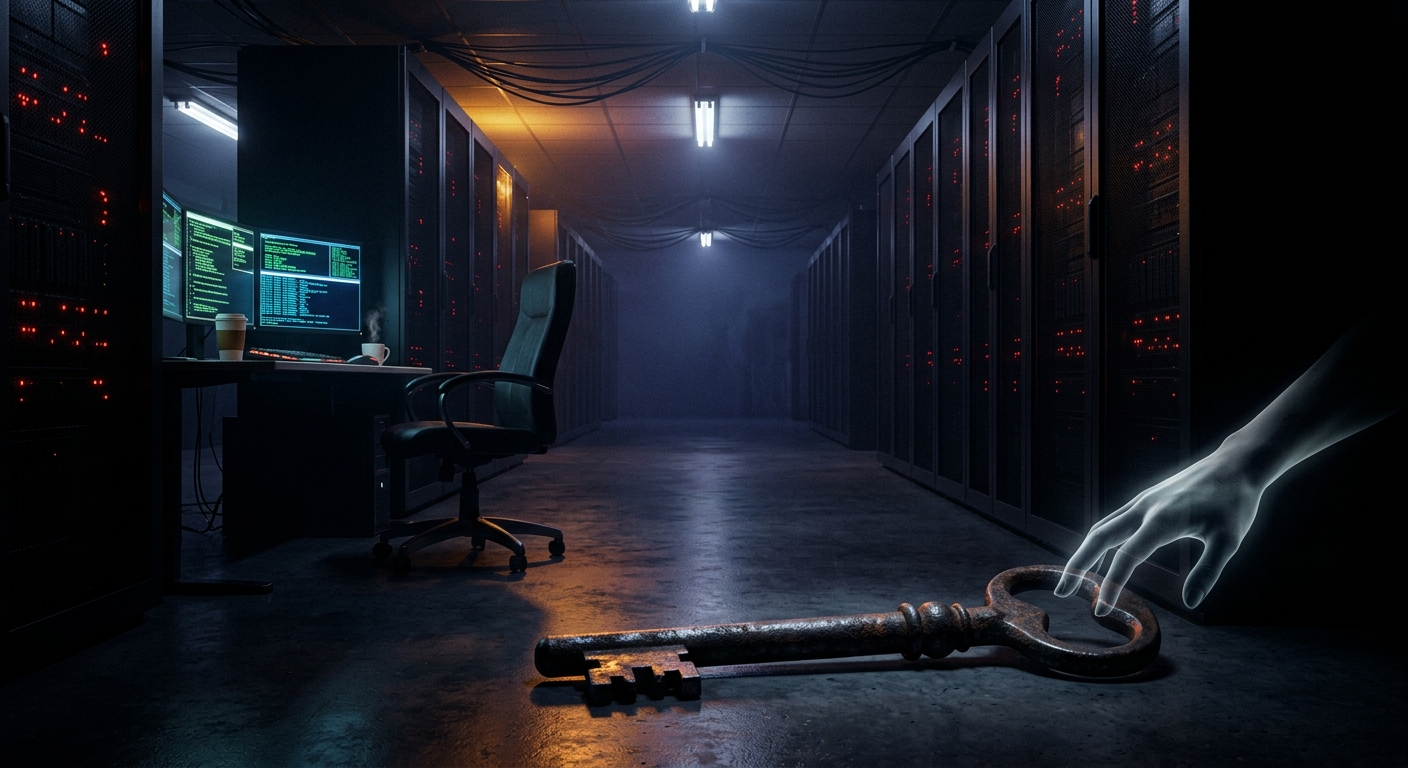
Think about what happens when you click one bad link today. Your browser, your password manager, your tax documents, your crypto wallet, your SSH keys, and that sketchy Discord you joined for a CTF — they all live in the same operating system, with the same kernel, often under the same user account. One successful exploit doesn’t get a thing. It gets everything.
That’s not a hypothetical. Commercial spyware routinely turns a single compromise into total device takeover — a member of the European Parliament’s own Pegasus inquiry committee was hacked with Pegasus this month, and consumer-grade spyware turns phones into full surveillance implants for a monthly fee.
The fix isn’t a better antivirus. It’s an architecture where a compromise can’t spread. That architecture is called compartmentalization, and Qubes OS is the operating system built entirely around it.
What Qubes OS Actually Is
Qubes OS is a desktop operating system that runs everything you do inside separate virtual machines — called qubes — on top of the Xen hypervisor. Instead of “my computer,” you get a collection of isolated compartments that happen to share a screen:
- work — your email and documents
- personal — banking, shopping
- untrusted — random browsing, that link your friend sent
- vault — passwords and PGP/SSH keys, with no network access at all
- dispVMs — disposable qubes that self-destruct when you close them
The desktop stitches all of this together into one seamless environment. Every window gets a colored border that tells you which compartment it belongs to — red for untrusted, black for the vault — so you always know where you’re typing.
The magic is in what can’t happen. Malware in your untrusted browser qube cannot read your vault, cannot see your work email, and cannot even touch the network hardware directly, because networking and USB run in their own dedicated service qubes (sys-net, sys-usb). Open a suspicious PDF in a disposable qube and the “worst case” is that an attacker owns a VM that ceases to exist when you close the window.
The Habits That Come With It
Compartmentalization is as much a mindset as a technology — the same mindset behind a good OPSEC practice: separate identities, separate risk domains, assume any single layer can fail. Qubes just enforces the mindset with a hypervisor instead of willpower.
A few patterns you pick up fast:
- Untrusted by default. Links from anywhere open in a disposable VM. Always.
- The vault never talks to the internet. Secrets live in an offline qube; other qubes request signatures/decryption through Qubes’ secure inter-VM plumbing (split-GPG/split-SSH) without ever seeing the keys.
- Templates keep it manageable. Your qubes share read-only root filesystems from template VMs, so updating Fedora or Debian once updates every compartment built from it.
Is there a learning curve? Yes — about a weekend of feeling lost, then it clicks. Is it for gaming? No. It’s for the person whose password vault, research, sources, or wallet is worth more than a little convenience.
The Hardware Question (Read This Before You Install)
Here’s where most noobs faceplant: Qubes is picky about hardware. It needs VT-x/VT-d (IOMMU) done right, and it inherits whatever lives below it — because even the best hypervisor can’t protect you from a compromised UEFI or Intel’s Management Engine running underneath the whole stack.
That’s why the Qubes project certifies specific machines, and why the shortlist matters. NovaCustom, a Dutch builder, makes Qubes OS certified laptops that fix the below-the-OS problem at the factory:
- Open-source Dasharo coreboot firmware instead of a proprietary UEFI black box
- Intel Management Engine disabled
- SecurityTitan line: Heads firmware boot attestation (more on that in part two of this series), physical camera/mic removal, anti-tamper seals
- 3-year warranty, 7+ years of support, assembled in the EU
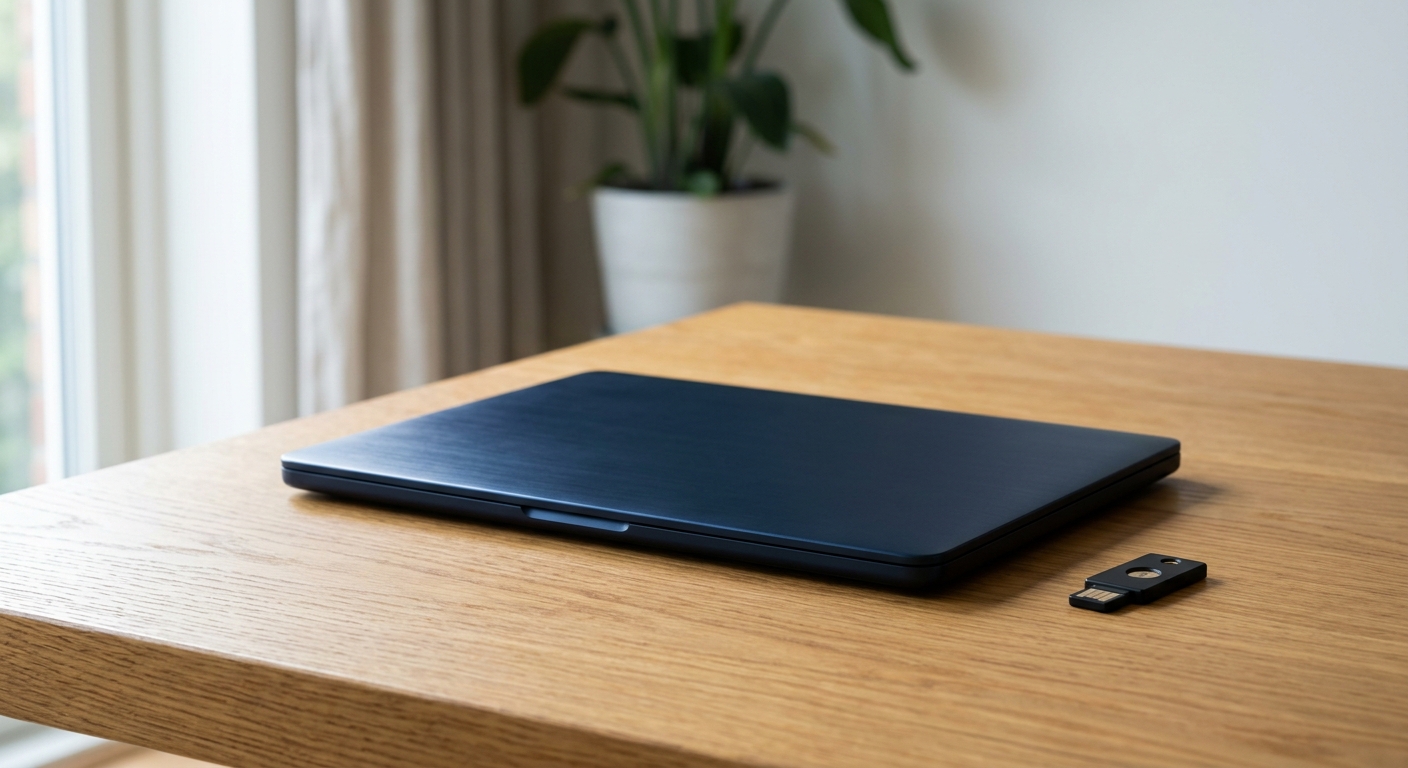
You can configure one direct at NovaCustom, or if you’re in the US, securitygadgets.shop/novacustom is the authorized US storefront — roughly 13% cheaper than EU pricing with free shipping and the same 3-year warranty. Our sister site has a full NovaCustom review if you want the deep dive.
Pair it with a Nitrokey — the open-source hardware key slots straight into the Qubes workflow (FIDO2 through sys-usb, keys in the vault qube) and is the trust anchor SecurityTitan machines use to verify their own boot chain. US stock lives at securitygadgets.shop/nitrokey.
Getting Started, Noob Edition
- Check the Qubes certified hardware list — or buy certified and skip the compatibility roulette.
- Install from the official ISO and verify the signature (this is not the download to get from a mirror).
- Start with four qubes: untrusted, personal, work, vault. Don’t over-engineer on day one.
- Move your password manager into the vault and set up split-GPG/split-SSH once you’re comfortable.
- Make disposable VMs your default browser. This single habit kills more malware than any antivirus you’ve ever run.
Why We Trust These Two Vendors
Full disclosure beyond the affiliate links: NovaCustom and Nitrokey both put hardware behind the security community we’re part of. At CISO.POKER — the invite-only CISO poker night on August 5, 2026 at The Wynn, Las Vegas — NovaCustom is the second-place prize sponsor (someone’s leaving Vegas with a privacy laptop) and Nitrokey sponsors the final table with a privacy-hardware kit for third place. Vendors who show up for the community and publish their firmware source are the kind we’re comfortable recommending to noobs.
The Bottom Line
You will get phished eventually. A dependency you trust will ship malware eventually. The question is whether that event owns one disposable compartment or your entire digital life. Qubes OS — on hardware whose firmware you can actually audit — is the strongest answer a privacy-centric noob can deploy today.
Get a Qubes-certified NovaCustom laptop →
Affiliate disclosure: This article contains affiliate links. If you purchase through our links we may earn a commission at no extra cost to you.