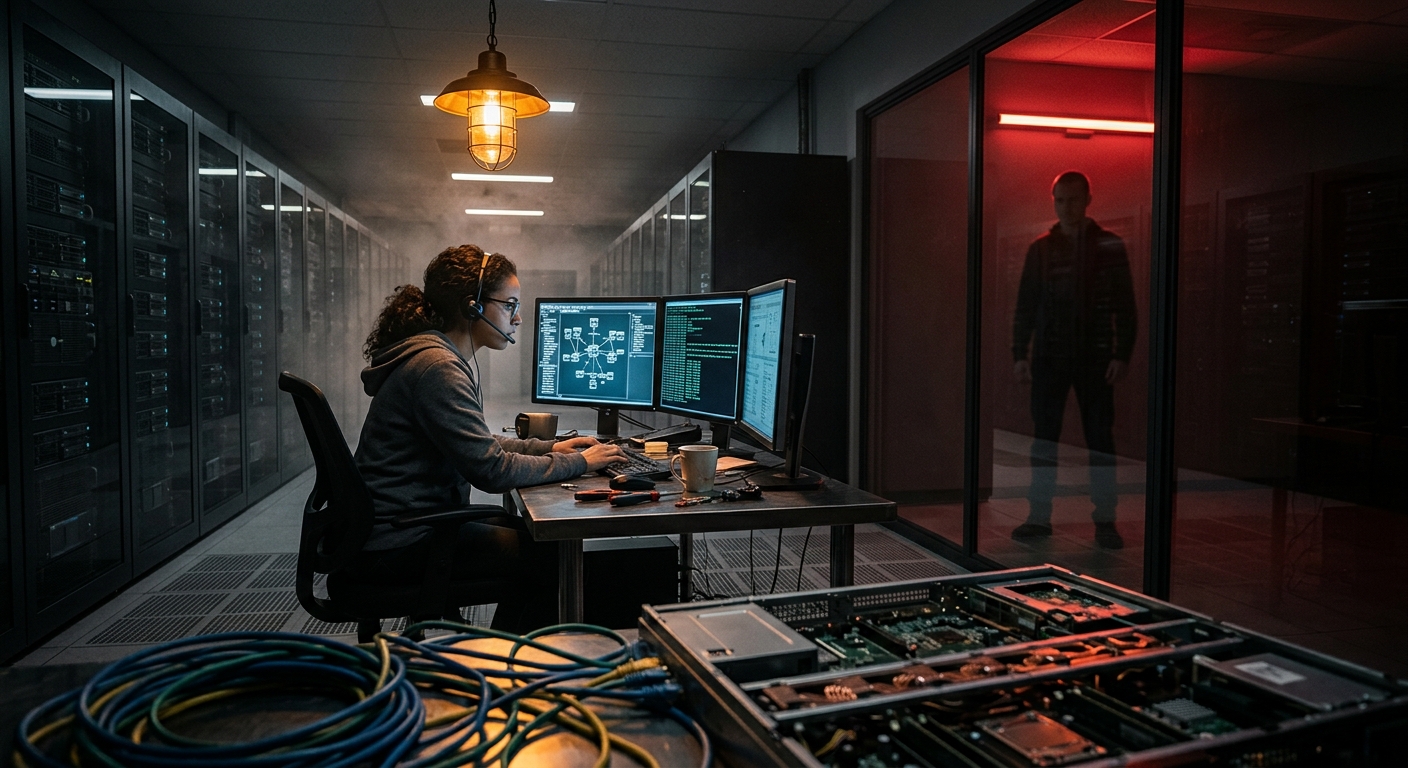
Remote-access software is the ultimate double-edged sword. The exact features that let an admin manage a thousand machines from a laptop — push a command, take control of a screen, deploy software silently — are a dream come true for an attacker who gets in. This month made that painfully concrete: attackers exploited CVE-2026-18577, an authentication bypass in N-able N-central, that hands an unauthenticated attacker full admin control of a remote-monitoring-and-management (RMM) console. Then they did the obvious thing — used the platform’s own “Take Control” feature to reach every managed endpoint, deploy Cloudflare Tunnel and Mimikatz, and push ransomware. The first hotfix didn’t even fully fix it.
You may not run an RMM across hundreds of clients. But the lesson scales all the way down to one person with RDP open, a TeamViewer install, or a home VPN. Any tool that grants remote control is a master key — and this tutorial is about making sure you’re the only one holding it.
Why Remote-Access Tools Are Attacker Favorites
- They’re built to be powerful. Remote control, silent software deployment, command execution — these are designed capabilities. An attacker who owns the console doesn’t need to hack anything else; they just use the product as intended.
- They’re trusted by your defenses. RMM agents and RDP are expected traffic. Endpoint protection often whitelists them. Malware delivered through your legitimate remote tool sails past controls that would flag a random binary.
- They chain. One RMM breach reaches every machine it manages — the “Storm-1175” crews turned a single console into ransomware across many downstream networks. Compromise the tool, compromise everything it touches.
- They’re internet-facing by default. RMM consoles and RDP are often deliberately exposed so admins can reach them from anywhere — which means attackers can too, exactly like the Cl0p file-transfer exposure problem.
Rule 1: Get the Console Off the Public Internet
RDP exposed to the internet is one of the most-attacked things there is — automated bots hammer port 3389 around the clock. RMM consoles are the higher-value version of the same mistake. The fix is the same as with industrial controllers: don’t expose the tool, expose a gateway.
# From an OUTSIDE machine, check whether you're advertising remote access.
# You own the target — this is a self-audit.
nmap -p 3389,5900,443,8443 --open YOUR.PUBLIC.IP
If 3389 (RDP) or your RMM’s port is open to the world, that’s the first thing to fix:
- Put it behind a VPN. Connect to a WireGuard or similar tunnel first, then reach RDP or the console on the private network. An attacker now has to beat the VPN before they can even see the login.
- Never expose raw RDP. If you must have remote desktop, it lives behind the VPN, full stop. No exceptions “just for now.”
- Confirm with a re-scan. After locking it down, the port should read
filteredorclosedfrom outside.
Rule 2: Phish-Resistant MFA on Every Remote Tool
The N-central bug was an auth bypass, which MFA alone wouldn’t have stopped — but the vast majority of remote-access compromises are plain credential theft or social engineering, and there MFA is decisive:
- Require MFA on the console, the VPN, and every admin account — ideally passkeys or FIDO2 hardware keys, which can’t be phished or relayed.
- Separate admin identities. The account that administers your remote tools should not be the account you check email and browse the web with. If your daily driver gets popped, it shouldn’t hand over the master key.
- Least privilege inside the tool. Not every operator needs full “take control of every endpoint” rights. Scope access to what each person actually manages.
Rule 3: Patch Remote Tools First, Always
When a remote-access product ships a security fix, it goes to the front of your patch queue — above almost everything else — because the blast radius is your entire fleet. The N-central saga is the cautionary tale: exploitation started August 1, the first hotfix was incomplete, and a second followed within five days. Two lessons:
- Move immediately on RMM/VPN/RDP advisories. Wire these products into the personal KEV watchlist you built — add
n-able,n-central,rdp, your VPN vendor, and your remote-tool names toinventory.txtso you’re alerted the day one hits the actively-exploited list. - Don’t assume one patch is the end. When the first fix is rushed, watch for the follow-up. Re-check the vendor advisory a few days later.
Rule 4: Watch for the Tool Being Abused
If an attacker uses your legitimate remote tool, the only signal is unusual use of a trusted thing. Set up the tripwires:
- Alert on new/unexpected remote sessions — especially at odd hours or from new locations.
- Alert on the tool deploying software or running scripts you didn’t initiate. In the N-central case, the giveaways were Cloudflare Tunnel, Mimikatz, and ransomware being pushed through the platform.
- Log admin logins to the console and review them. A login you can’t account for is an incident until proven otherwise.
- Baseline “normal.” You can’t spot abnormal remote activity if you never learned what normal looks like.
Rule 5: Have a Kill Switch
If a remote-access tool is compromised, you need to cut it off fast, because every minute it’s live it can reach more machines:
- Know how to disable the console / revoke all sessions in one action.
- Know how to isolate managed endpoints from the tool.
- Keep out-of-band admin access (a path that doesn’t depend on the compromised tool) so you can respond even if the primary channel is owned.
- Rehearse it. A kill switch you’ve never tested is a hope, not a control.
Your Remote-Access Hardening Checklist
- Scan your public IP; confirm RDP (3389), VNC (5900), and RMM ports are not internet-facing.
- Put all remote access behind a VPN or gateway.
- Enforce phish-resistant MFA on the console, VPN, and every admin account.
- Use separate, least-privilege admin identities.
- Add your remote tools to your KEV watchlist and patch their advisories first.
- Alert on unexpected remote sessions and tool-driven software deployment.
- Document and test a kill switch to revoke access instantly.
The Bottom Line
Attackers didn’t break N-central so much as borrow it — one auth bypass, then the product’s own remote-control features did the rest. That’s the defining risk of remote-access software: whoever holds it holds everything it touches, and it’s built to make that easy. Whether you manage a fleet or just leave RDP on for convenience, treat every remote tool as the master key it is. Get it off the public internet, wrap it in phish-resistant MFA, patch it before anything else, watch it for abuse, and keep a kill switch you’ve actually tested. The power that makes these tools worth having is exactly what makes them worth locking down.
The full N-able N-central exploitation timeline, including the incomplete first hotfix, is on breached.company: Two Hotfixes in Five Days.